Email triage automation for shared inboxes
Every message read, tagged and routed to the right teammate - before anyone opens the inbox.
Email triage automation reads every incoming message, works out what the customer wants and how urgent a reply is, then routes the conversation to the teammate best placed to answer. In inrelay an AI agent does the sorting; humans keep the final say on every reply that sends.
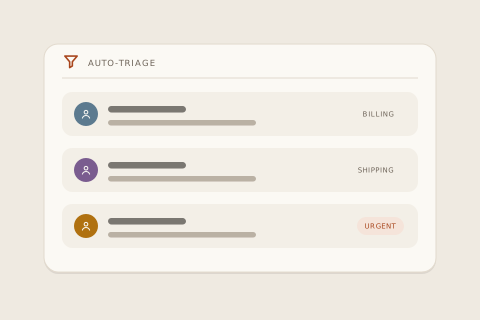
Nobody hires for inbox sorting, but every shared inbox extracts it: someone scans, someone guesses what’s urgent, someone decides who takes what. Email triage automation hands that job to an agent that never gets bored of it - and inrelay treats it as the agent’s first responsibility, before a single word of a reply is drafted.
How it works in inrelay
When a message lands, the agent tags what it’s about - an order question, a refund request, a where-is-my-parcel - and reads it against the history of the thread it belongs to.
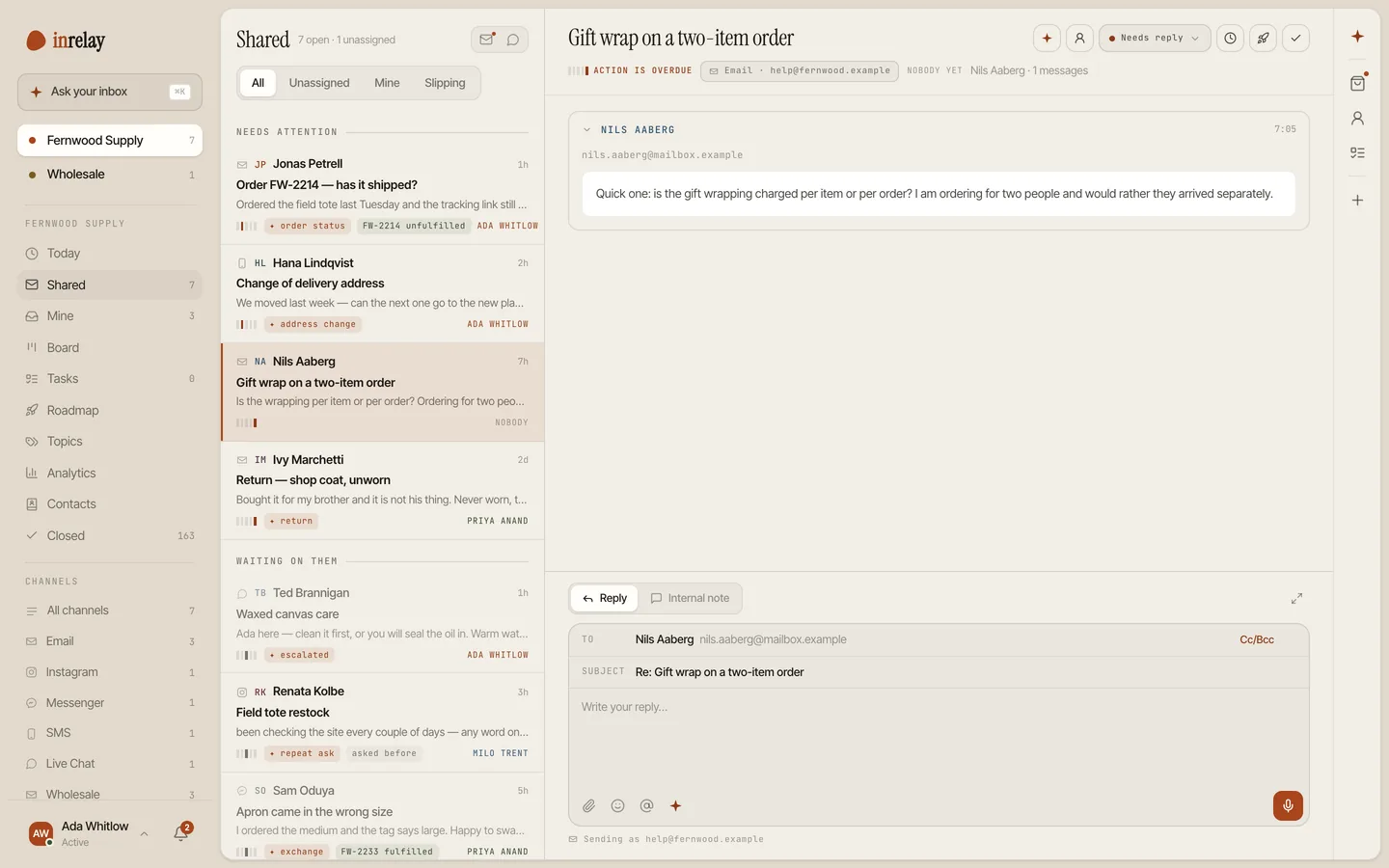
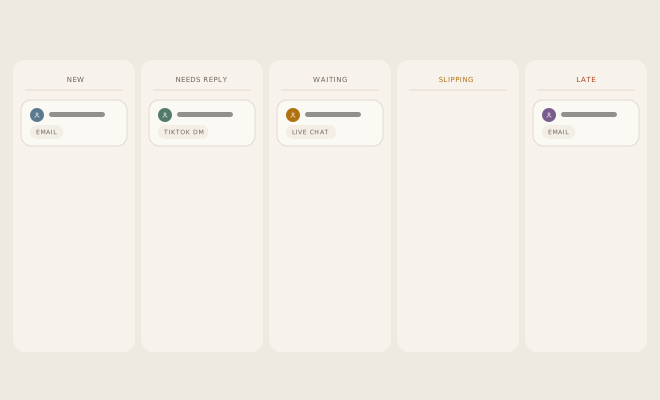
Every conversation then carries exactly one workflow state - new, needs reply, waiting, slipping or late - and one urgency read-out, shown as a five-bar indicator against the conversation’s deadline. One engine derives both, and desktop and mobile render the same result. Urgency isn’t a label anyone maintains; it’s a fact the deadline produces, which is why it can’t quietly drift into optimism.
Routing closes the loop: the agent proposes an owner for each thread, weighing who already owns that customer’s other conversations and how loaded each teammate currently is. Because triage and routing are safe, reversible actions, you can let them run unattended in assist mode while customer-visible replies still wait for human approval - the split is explained at approve-before-send.
Come back after a night away and the inbox has worked itself down: triaged, drafted, routed, with a short morning brief - what was handled, and the two things that need you.
Why it matters
Untriaged, a shared inbox is sorted by arrival time - which is to say, sorted by nothing. The refund request about to become a chargeback sits under a newsletter; the thread everyone assumed someone else had slips a day, then three. First-come triage also lands the whole sorting job on whoever opens the inbox first.
Hand-maintained statuses fail more politely, but just as surely: they record what someone last remembered to set, not what’s true. Automated triage matters because it keeps the states honest and spends the expensive human attention where it changes the outcome - on the replies themselves.
How inrelay does it differently
Two choices set inrelay’s triage apart. First, triage state is canonical: one shared engine decides what slipping means, and no view, device or teammate can redefine it. What your phone shows on the ferry is what the desktop shows at the desk. Second, it isn’t an email-only trick: live chat and Instagram and TikTok Shop DMs flow through the same states and the same urgency maths, so “what needs me right now” is one question with one answer across every channel.
- Manual triage on every plan - statuses, list and board views.
- The AI agent - intent tagging, automated triage and routing - on every plan, drawing on your plan’s monthly AI credits.
- Assignment and escalation routing to a person, with the Team plan - where there’s a team to route to.
- A hand-written rule builder (“if subject contains X, assign to Y”) isn’t shipped - sorting is the agent’s job, not yours.
Setting up, in four steps
Connect your channels
Email first; live chat and DMs join the same queue as you add them.
Invite the team
Routing needs people to route to. Teammates are never priced - Team includes 10 seats, Studio 25, flat.
Turn the agent on
Pick an autonomy mode per workspace. Assist lets triage and routing run on their own; replies still wait for approval.
Read the morning brief
Spot-check the agent’s calls for the first week, and tune the autonomy dial from what you see.
Connection guides live in the help center.
Sorted is only the start.
Once a thread is with the right person, the agent drafts the reply and the inbox keeps teammates from crossing wires. See everything inrelay does.
Drafts in your voice
The AI email reply generator writes every reply; you approve before anything sends.
AI copilot → COLLISIONSCollision detection
One owner per conversation, presence in the thread - no customer answered twice.
Collision detection → MOBILETriage from your pocket
The same states and the same urgency bars on iOS and Android, wherever the day takes you.
Mobile app →Wake up to a sorted inbox.
Free to start with your own inbox - every feature, no card, never per seat.