A public product roadmap tool fed by your inbox
Customers vote on what you build next, and hear from you the day it ships - without another account to create.
A public product roadmap tool shows customers what you are building, lets them vote on it, and tells them when it lands. inrelay adds a roadmap board and a changelog to your help center, and turns the feature requests already sitting in your support inbox into items on that board.
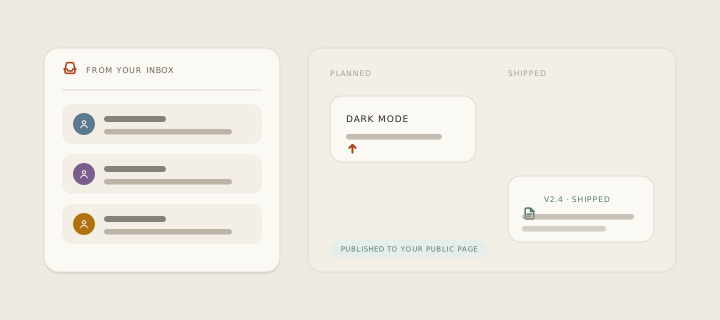
What it prevents is the request that dies quietly. Someone writes in asking for a thing, a teammate replies “good idea, I’ll pass it on”, and that is genuinely the end of it - no record, no count of how many other people asked, and no way to tell the asker when it finally exists.
How it works in inrelay
The roadmap is a kanban board published as a page of your help center, with a tab in its navigation. Three columns face the public.
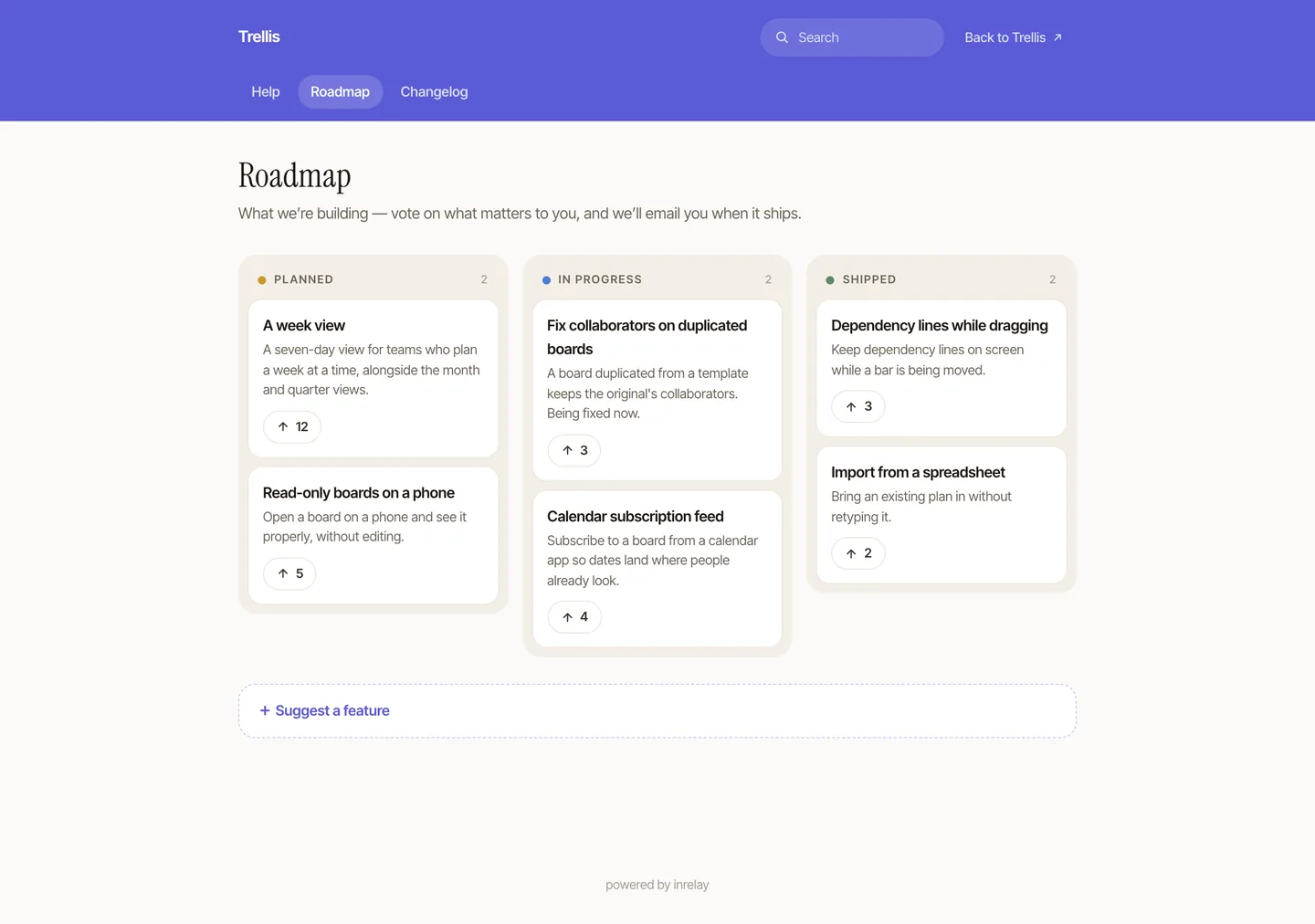
- Planned, in progress, shipped. Each card carries a title, a short description and a vote count with an upvote button. Nothing else - the board is a promise you can keep, not a project plan.
- A moderation column your visitors never see. Requests submitted from the page land in a fourth column, Under review, which exists only in your admin board - it is absent from the public page entirely, not hidden with styling.
- Voting takes an email, not an account. One field, no password, no signup wall. One vote per person per item.
- Duplicates merge cleanly. Fold one item into another and its votes and subscribers move across - someone who voted for both is still counted once.
- Public submission is rate-limited. The submit and vote endpoints sit behind the same per-visitor limiter the rest of the public surface uses.
- Fixed columns, and no comments or reactions on items - a board people read in five seconds beats a forum you have to moderate.
A vote is a subscription
This is the part that makes a roadmap worth running. When somebody upvotes an item, the email they leave does not just count - it subscribes them. Move that item to Shipped and everyone who ever voted for it gets an email saying so, with a link to the changelog entry it shipped in when the two are connected.
So the loop closes by itself. A customer asks for something, sees it on the board, votes, and months later hears from you personally on the day it lands - proactive messaging a customer actually asked for - which is usually the first time they have experienced that from any tool they pay for.
And the record of what shipped
The second page is a changelog: a reverse-chronological timeline where each release is a full-width card, written in the same editor as your help articles.
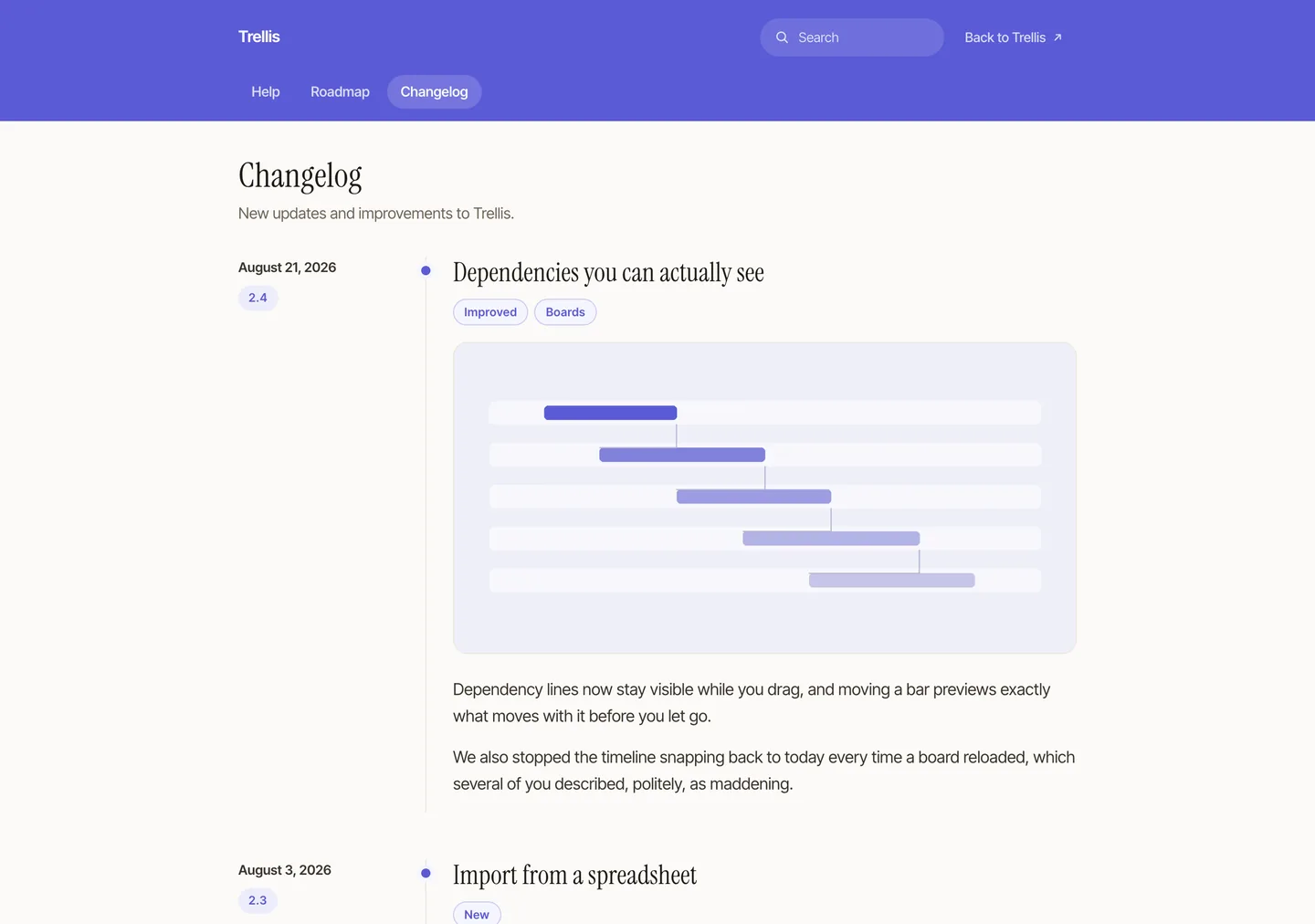
Version and date act as the landmarks down the left, then a title, category badges for the kind of change, the body itself and an optional hero image. Entries are read-only by design - no comments, no reactions - and the changelog tab only appears in your help center once something is actually published on it.
How inrelay does it differently
Every other roadmap tool starts with an empty board and a marketing problem: you have to persuade customers to visit a site they have never heard of and file a request they already emailed you. The requests exist. They are in your support inbox, one per thread, spread across six months - whichever kind of business you run.
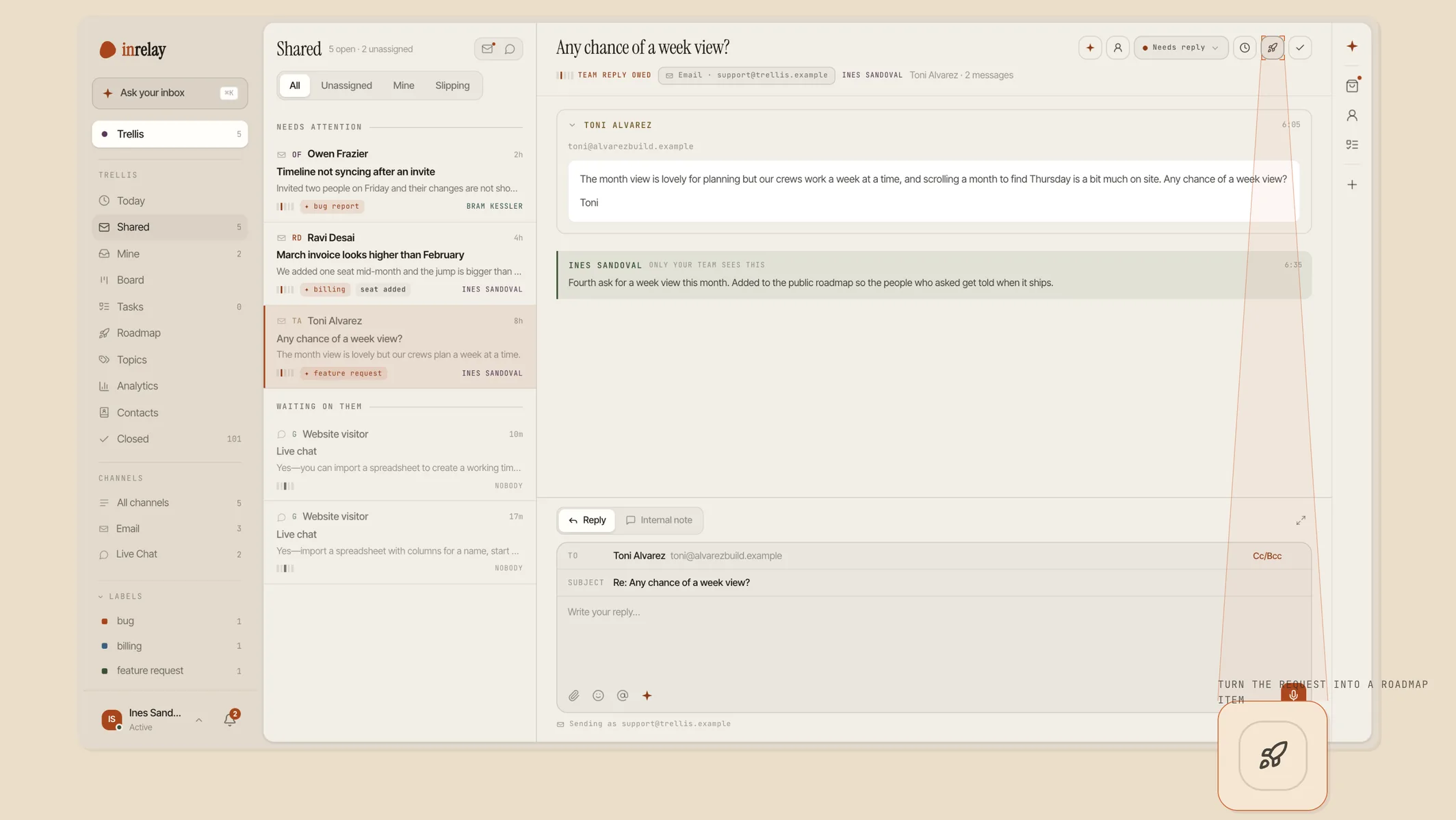
Because the roadmap lives inside the same product as the inbox, a thread can become an item. Add to roadmap sits with the other thread actions: it creates or links the item, records which conversation it came from, and subscribes that customer’s email to it automatically. They asked once, in the place they already were, and they will be told when it ships.
That is a board seeded from real demand instead of from whoever happened to find your feedback portal - and, quietly, an honest way to learn which of your recurring conversation topics is really a missing feature rather than a missing help article.
Setting it up
Turn the pages on
Roadmap and changelog are two switches on the Roadmap page in desktop settings. Each tab appears in your help center only once it has something public to show.
Seed the board honestly
A handful of true items beats twenty aspirational ones. Put the things you are genuinely working on into In progress and the rest into Planned.
Send the next request there
Next time a feature request arrives in the inbox, use Add to roadmap rather than promising to pass it on.
Publish the first entry
Write one changelog entry for what you shipped this month, link it to the item it closes, and move that item to Shipped. Everyone who voted hears about it. The help docs cover the rest.
The roadmap and changelog pages are included on the Team and Studio plans, and they run on your help center - your domain, your styling, no third-party portal.
Works with the rest of the inbox.
The roadmap is one piece of the inrelay feature family - these are its closest neighbours.
The site it lives on
Roadmap and changelog are pages of the same help center, on the same domain, in the same styling.
See the knowledge base → TOPICSWhat people keep asking
Topic analytics show which subjects fill the inbox. Some of them are articles; some of them are roadmap items.
See topic analytics → CHECKLISTSGuided onboarding
The other thing the widget can do for your customers: a task list that gets them started.
See checklists →Tell them what you’re building.
Free to start with your own inbox - every feature, no card, never per seat.