Knowledge base software that answers before you do
Write the answer once, publish it as a real help center, and let customers - and your AI - find it before a thread ever starts.
Knowledge base software lets a support team publish help articles customers can search before they write in. inrelay includes a knowledge base with every inbox: collections of articles published as a public, indexable help center on a custom domain, browsable from the chat widget, and read by Ask AI to answer common questions.
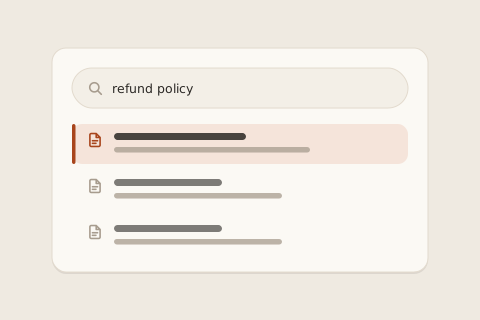
What it prevents is the fifth identical question of the day. Sizing, shipping times, returns - the questions that arrive over DM at midnight are almost never new ones. Without a knowledge base, every one of them costs a teammate a hand-typed reply. With one, most of them never become threads at all.
How it works in inrelay
You write where you reply. Knowledge base authoring lives in the same desktop app as the inbox, so turning a good answer into a published article is a short trip, not a context switch into separate knowledge base software.
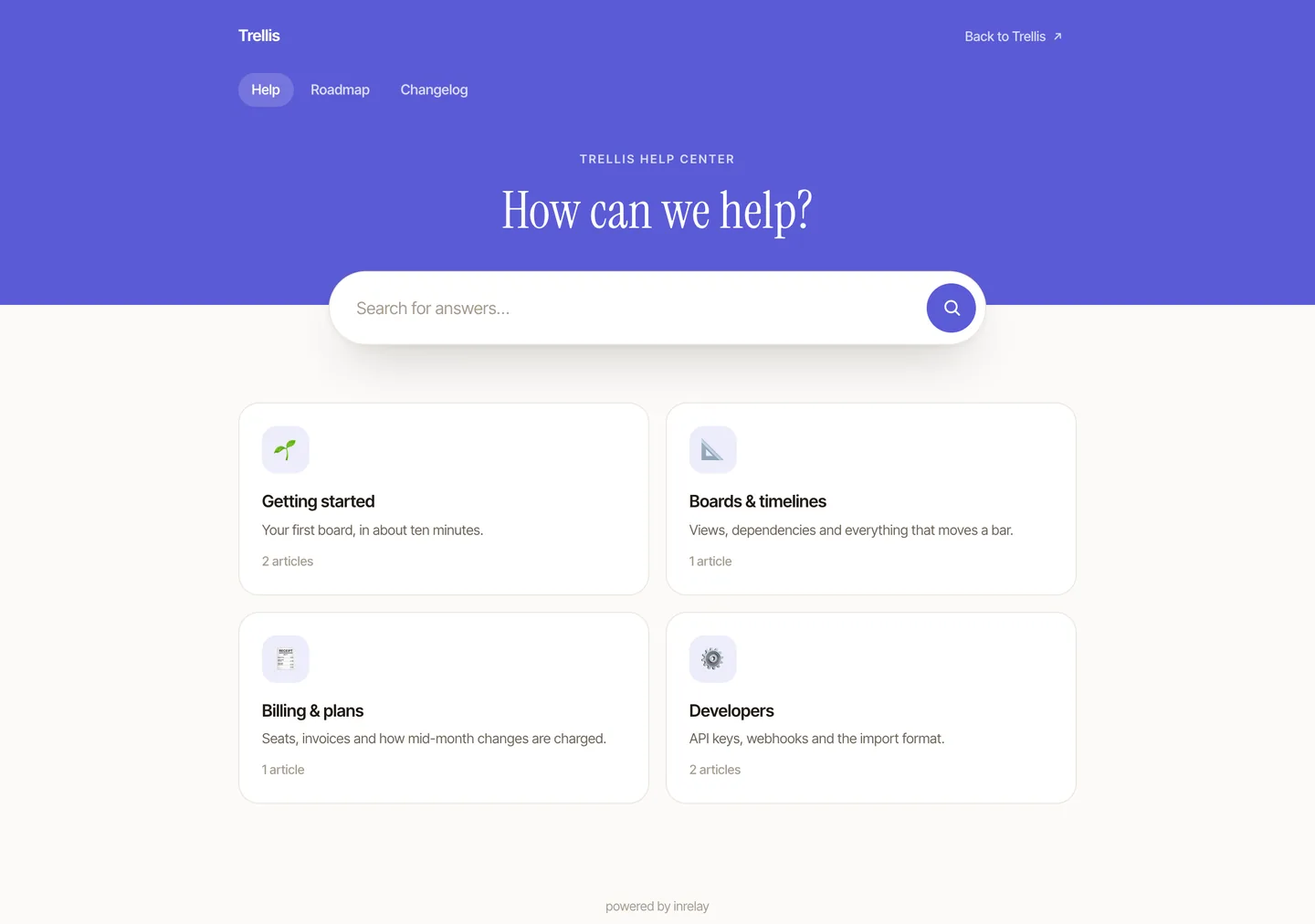
- Three levels of structure. A public help center, collections with their own descriptions and icons, and articles inside them - each level is a real page.
- Independently indexable collection pages. Collections carry their own metadata, so search engines treat them as pages worth ranking, not anchors on one long scroll.
- Custom domain and SEO settings. Serve the help center from your own domain, set per-article titles and descriptions, and preview the styling as you edit.
- Draft and public states. Articles stay private until you publish them, so half-written answers never leak into search.
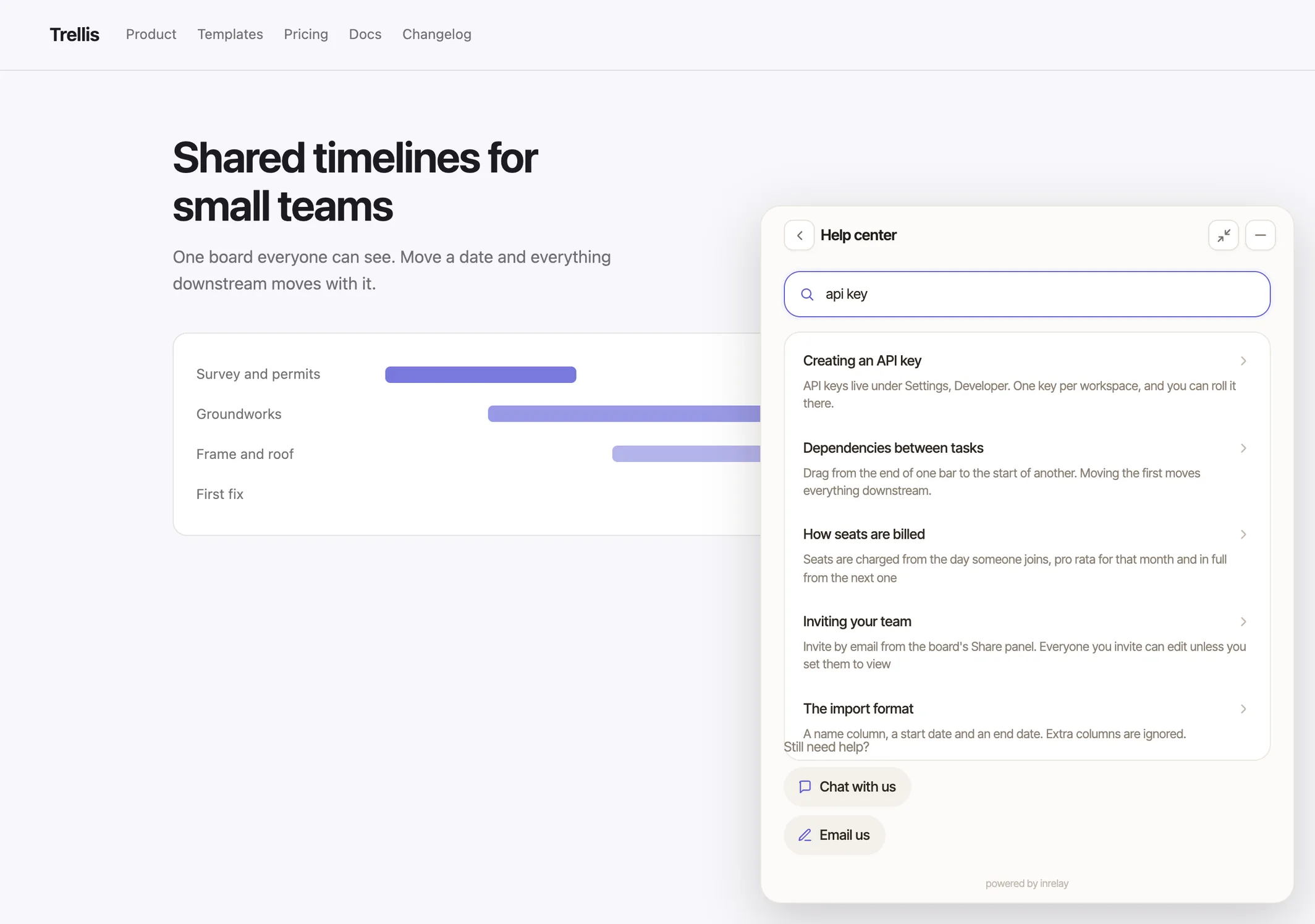
- Search on the help center and in the widget. Customers browse and search the same articles inside the chat widget without leaving your site.
- Ask AI answers. Ask AI reads your published articles and answers common questions directly, with your article as the source.
- Knowledge from wherever it already lives. Add a page, crawl a site, upload a document or paste text - sources feed the same answers without having to become published articles first.
- Per-source control over what the AI may use. A document you switch off is never quoted to a customer.
- Authoring stays on desktop. You write and edit articles in the desktop app - the mobile companion is for the inbox, not the editor.
The first thirty articles, written for you
The hard part of knowledge base software has never been the software. It is that a useful help center is thirty pieces of writing, and the benefit only arrives once they all exist. So inrelay writes the first pass: point it at your website and it reads the pages that actually answer things - policies, FAQs, shipping and returns, docs - then produces articles and collections in your own brand voice.
They arrive as drafts, every time. You edit what only you know, delete what does not apply, and publish what is right; anything the generator could not verify from your site is marked rather than invented. After that it keeps going quietly: subjects your customers keep raising that no article covers turn up in a review queue as drafts, and an article whose source page has changed underneath it comes back with a proposed rewrite.
The whole mechanism, including what it refuses to do, is on the help center generation page.
Why it matters
The failure mode this removes is repetition at your busiest hour. A question answered by an article costs you nothing at 2am; a question answered by a person costs whoever is still awake. For a team of two selling through Instagram and email, that difference is most of the workload.
There is a second effect that separate knowledge base software never gets: the articles ground your AI. When the agent drafts a reply or Ask AI answers a customer, it draws on the answers you actually wrote - your policies, your phrasing - rather than a model’s best guess. A better help center makes every draft in the inbox better at the same time.
How inrelay does it differently
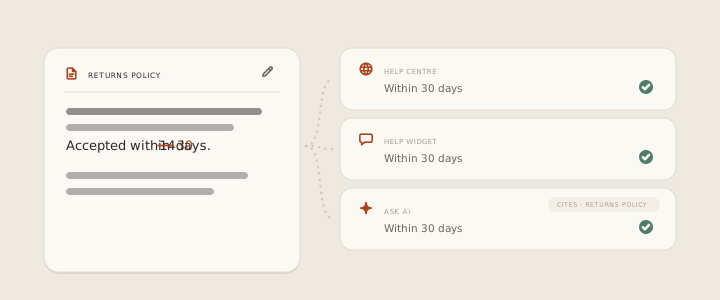
Most knowledge base software is a separate product bolted onto a help desk, priced as its own line item. In inrelay one set of articles serves three surfaces at once: the public help center, the help widget on your site, and the AI - Ask AI answers and agent drafts both cite the same source of truth. Publish a correction once and every surface is corrected.
It is also included rather than sold. The free plan ships with one inrelay-branded knowledge base; every plan includes it - kept in-widget only or published as a public help center, your choice - with Ask AI answers and the full drafting agent on every plan, drawing on your plan’s monthly AI credits.
Setting it up
Create your collections
Group by what customers ask - orders, shipping, returns - and give each collection a description and an icon.
Write and publish articles
Draft in the desktop app, fill in the SEO title and description, and flip each article public when it is ready.
Pick your domain and style
Serve the help center from your own domain and preview the styling before anything goes live.
Switch on the widget and Ask AI
Let customers browse and search articles from the chat widget, and let Ask AI answer from them. The help docs walk through each setting.
Works with the rest of the inbox.
The knowledge base is one piece of the inrelay feature family - these are its closest neighbours.
Drafts in your voice
The agent that reads, tags and drafts replies - grounded in your knowledge base.
See the copilot → CSATSatisfaction surveys
Ask customers how the conversation went, and find the articles you still need to write.
See CSAT → GENERATIONWritten from your site
Point it at your website and get the first thirty articles back as drafts, in your own voice.
Generate a help center →Answer it once, for good.
Free to start with your own inbox - every feature, no card, never per seat.