The shared inbox desktop app,
built for teams
Most “team inboxes” are a browser tab you lose by Tuesday. inrelay is a desktop app that treats support like the real work it is.
inrelay is a native desktop app for Mac and Windows that runs a team's shared inbox - email, live chat and DMs - with AI drafts a human approves. A desktop email client for teams, not a website with a dock icon.
Why an app beats a browser tab
Every incumbent in this category runs in the browser, and your team pays for that all day in small ways:
- Notifications that actually arrive. Native macOS and Windows notifications with a real unread badge - not a tab title changing behind forty others.
- Keyboard-first triage. System-level shortcuts that don't fight the browser for keystrokes. Assign, snooze, approve, next - hands never leave the keys.
- Offline that degrades gracefully. Read anything already synced and queue your work on bad wifi; it reconciles when you're back.
- A place, not a page. Cmd-Tab to your inbox like you Cmd-Tab to your editor. No lost tabs, no accidental closes, no re-login loop.
None of this is exotic engineering. It's just what software feels like when support is treated as a first-class job instead of a browser errand - the same reason your team runs a real Slack app and a real code editor.
What native means here
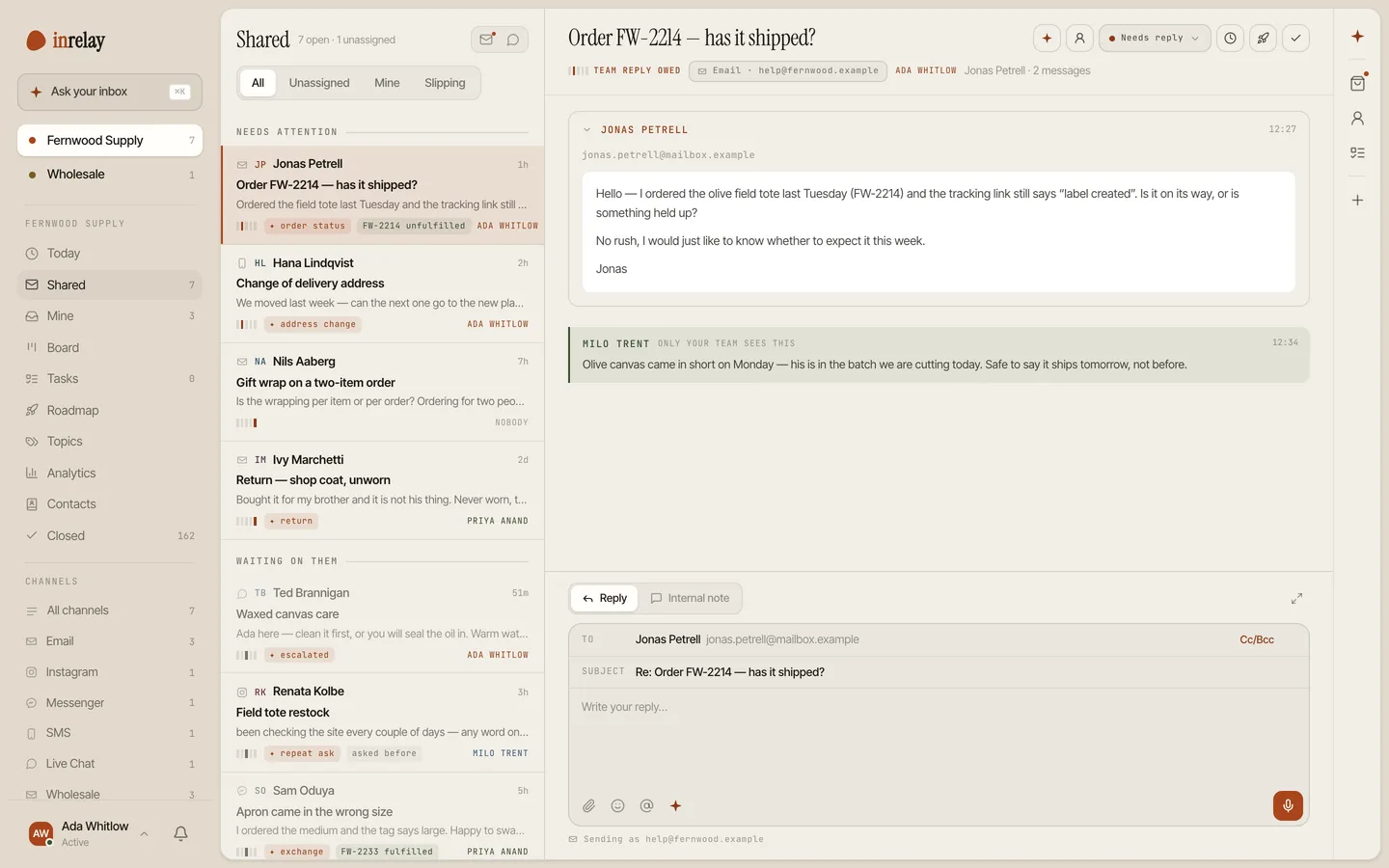
The desktop app is the primary surface of the product, not a wrapper around the marketing site. The three-pane inbox - conversations, thread, and the agent's context - is built for a desk: dense when you're triaging, calm when you're reading. The agent's drafts, the approval gate, internal notes, collision detection - all of it lives at desktop speed, with the AI work happening server-side so your laptop fan stays quiet.
Mac ships first among equals - menu-bar badge, notification actions, Apple silicon and Intel - and Windows gets the same three panes, taskbar badge included. There's no feature tax for either OS.
The pocket half: the mobile companion
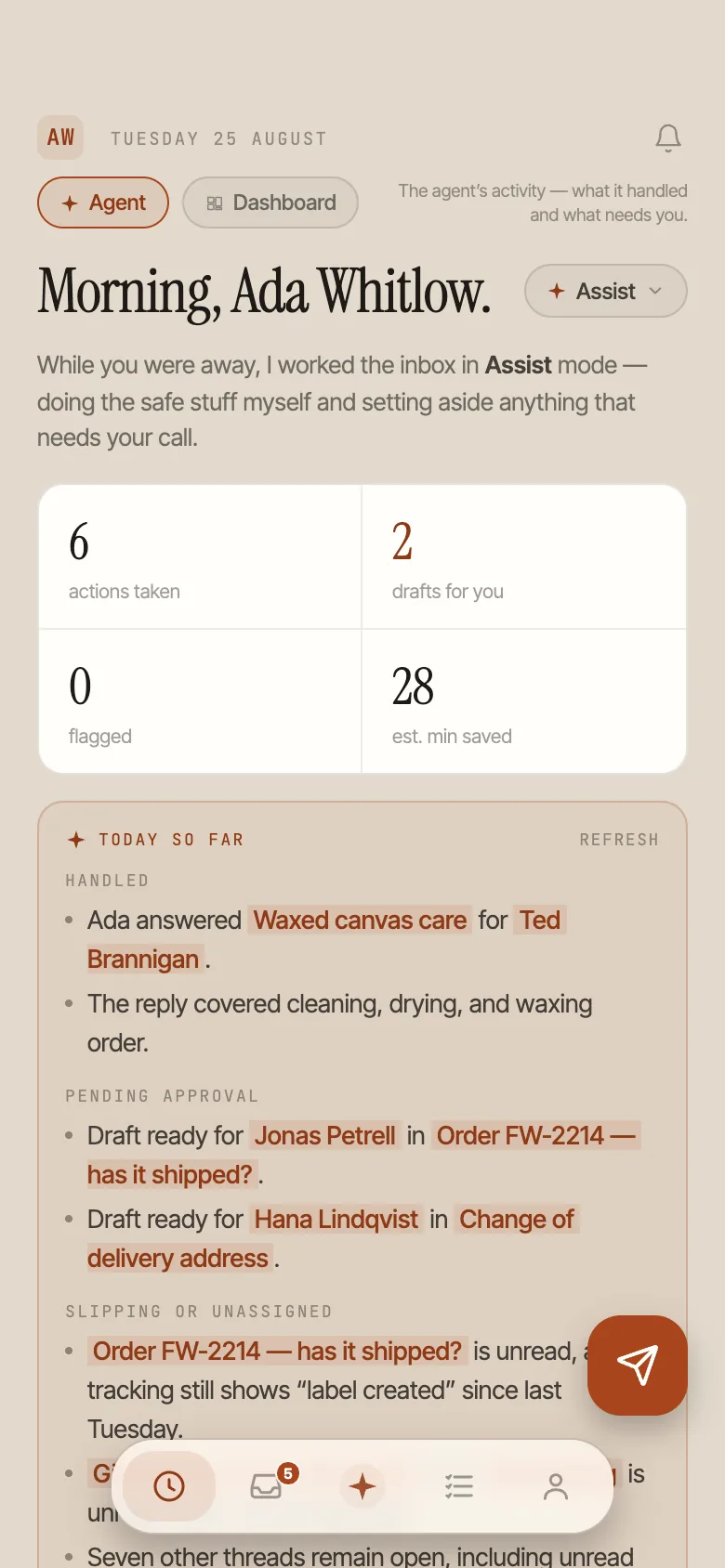
The mobile app for iPhone and Android is deliberately a companion, not a shrunken clone. It's for the away-from-desk moments: scan the morning brief, approve a waiting draft from the sofa, reassign a thread from the warehouse floor. Push notifications scope to what you own, so your phone buzzes for your conversations - not the whole inbox.
Desk work stays on the desk. That split is the point.
Put support on your desk.
Mac and Windows, mobile companion included - on every plan.