The shared inbox mobile app for everything that can’t wait
Triage, reply and approve drafts from your phone - and leave the deep work for the desktop, where it belongs.
A shared inbox mobile app puts a team’s support queue on a phone: the same threads, owners and statuses as the desktop inbox. The inrelay companion app for iOS and Android covers triage, replies, internal notes and draft approval on the go, while the desktop app remains the main workspace.
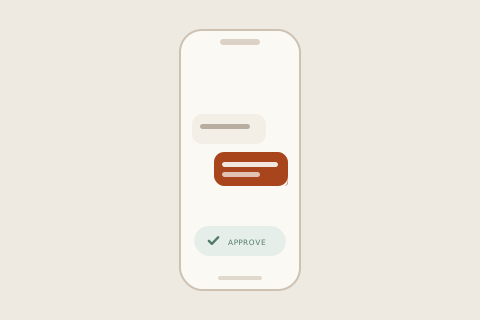
What it prevents is the off-the-record save. Without a companion app, the phone fallback is the native apps - answering an Instagram DM from the Instagram app, a customer email from a personal mail client. The customer gets helped; the team loses the thread, the assignment and the history.
How it works in inrelay
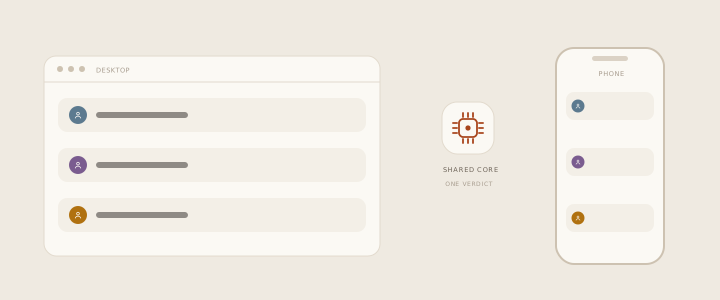
Desktop and mobile render the same shared core, so the phone never disagrees with the desk about what is new, what needs a reply and what is slipping.
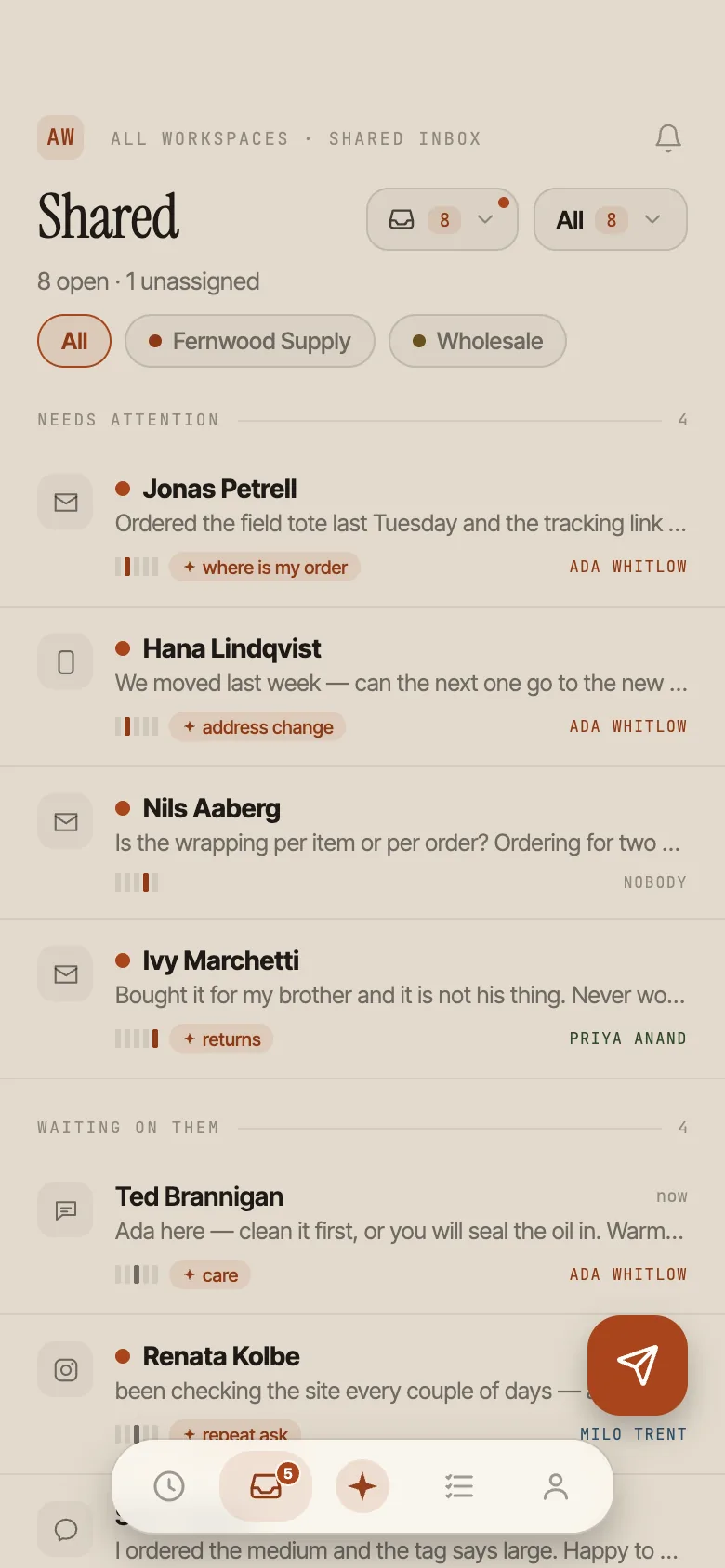
- The same inbox, honestly synced. Threads, ownership, statuses and urgency come from the same logic the desktop uses - not a simplified mobile view of them.
- Filter by channel and workspace, open the full thread, and see the shared triage state your teammates see.
- Reply anywhere. Public replies and internal notes are channel-aware, and a teammate mention always stays an internal note - it cannot leak into a customer chat.
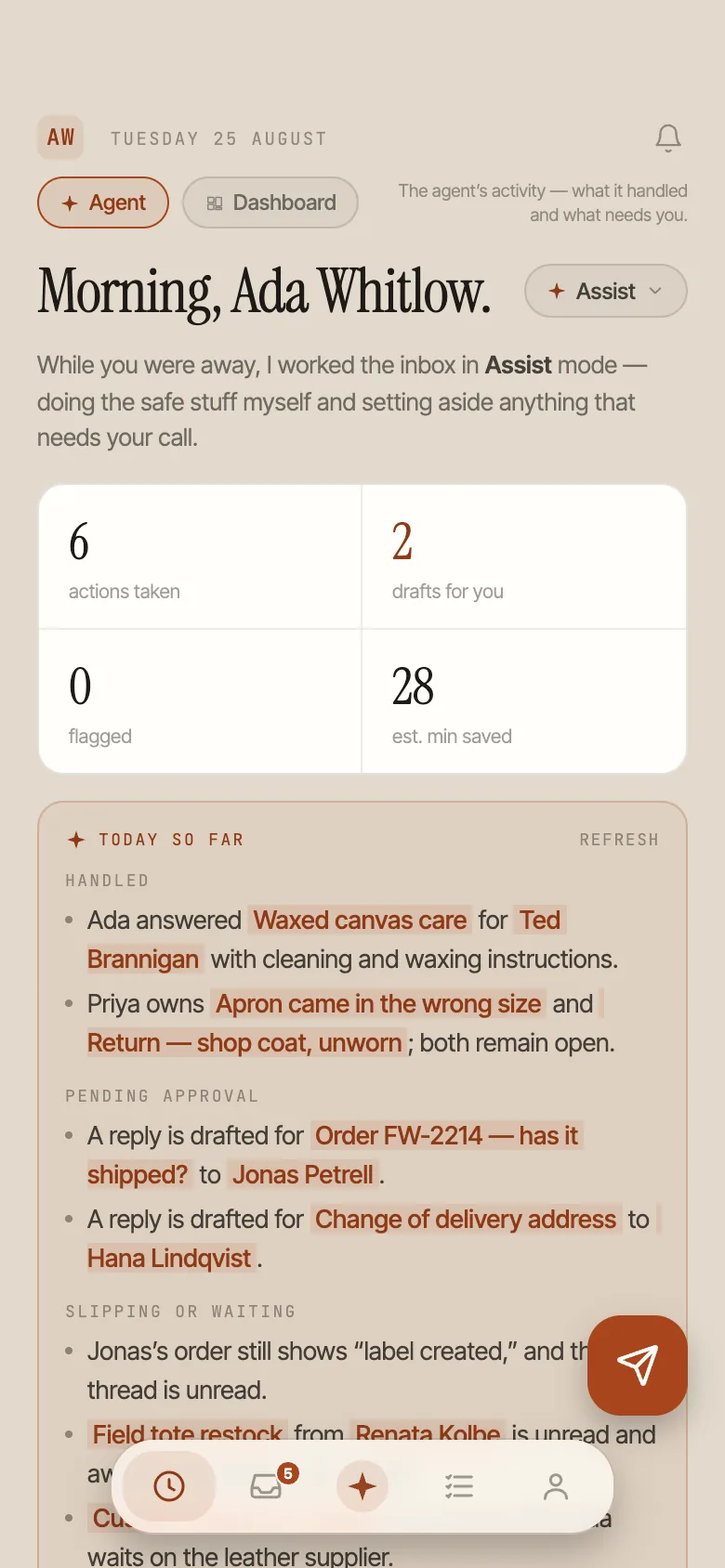
- Approve drafts from the queue. Review what the agent has drafted and send it - the approval gate travels with you.
- Run live chat properly. Assign yourself an unowned chat, transfer or escalate an owned one, end the chat and send the transcript - the same operational controls as desktop.
- Edit tasks and start a new conversation with a contact when the fix is outbound.
- Deep workspace configuration stays on desktop by design - automation, widget, CSAT and knowledge base settings are desk work, not thumb work.
Why it matters
Small seller teams do not stop being responsible for the inbox at 6pm; they just stop being at a desk. The realistic evening workload is not deep work - it is thirty-second saves. Approve the draft that is ready. Reassign the thread that landed on the teammate who is off today. Send the one reply that genuinely cannot wait for morning.
A shared inbox mobile app keeps those saves inside the system, where the assignment updates, the history stays whole and no one else answers the same message twice. The alternative - five platform apps and a personal email account - is exactly the chaos a shared inbox exists to end.
How inrelay does it differently
Most tools ship a mobile app that pretends to be the whole product, and it shows - settings screens crammed onto a phone, workflows that half work. inrelay is deliberately desktop-first: the desktop app is where you configure, write knowledge base articles and do the long work, and the companion is honest about being a companion.
The part that is genuinely unusual is the shared core. One codebase decides what counts as new, needs reply, waiting or late, and both apps render its verdict. Your phone and your teammate’s desktop never rank the queue differently, which is the quiet prerequisite for trusting either one.
That, in the end, is what a shared inbox mobile app is for: not a smaller copy of the product, but a trustworthy window onto the same queue - small enough to be honest about what belongs on a phone, and connected enough that nothing done there goes missing from the record.
Your customers, inside your app
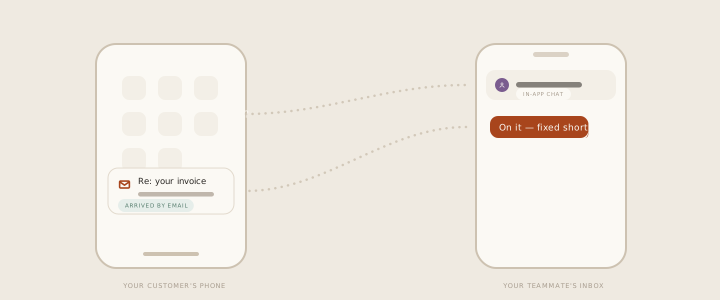
Everything above is the phone app your team carries. There is a second mobile question, and it is a different one: how do the people using your app reach you from inside it, without being sent out to a website and a contact form?
The answer inrelay ships is deliberately small. Your chat widget is served as a hosted full-screen page at your own help-centre address, and your app opens it in a WebView - one URL, no SDK to install, no package to keep upgraded through App Store reviews. Conversations started there land in the same inbox as everything else, and when your customer has closed the app, your reply reaches them by email. There are no push notifications.
It ships today. The shape, the identity model and the honest limits are all set out on the in-app chat page, and the iOS, Android and React Native recipes are on the setup page.
Setting it up
Get the app
Grab it for iPhone or Android from the download page - the same page has the desktop builds.
Sign in
Same account, same workspaces. Assignments, drafts and notes are already there.
Scope your notifications
Choose what is worth a push - your assignments, mentions, or the whole queue - so the app interrupts on purpose. The help docs cover the options.
Works with the rest of the inbox.
The mobile companion is one piece of the inrelay feature family - these are its closest neighbours.
Drafts in your voice
The agent drafts while you are away; the phone is where you approve.
See the copilot → COLLISION DETECTIONNo duplicate replies
Phone and desktop share one queue, so two teammates never answer the same thread.
See collision detection → IN-APP CHATChat inside your app
The customer-facing side of mobile: your widget as a hosted page, opened in a WebView.
See in-app chat →The desk stays. You don’t have to.
Free to start with your own inbox - every feature, no card, never per seat.